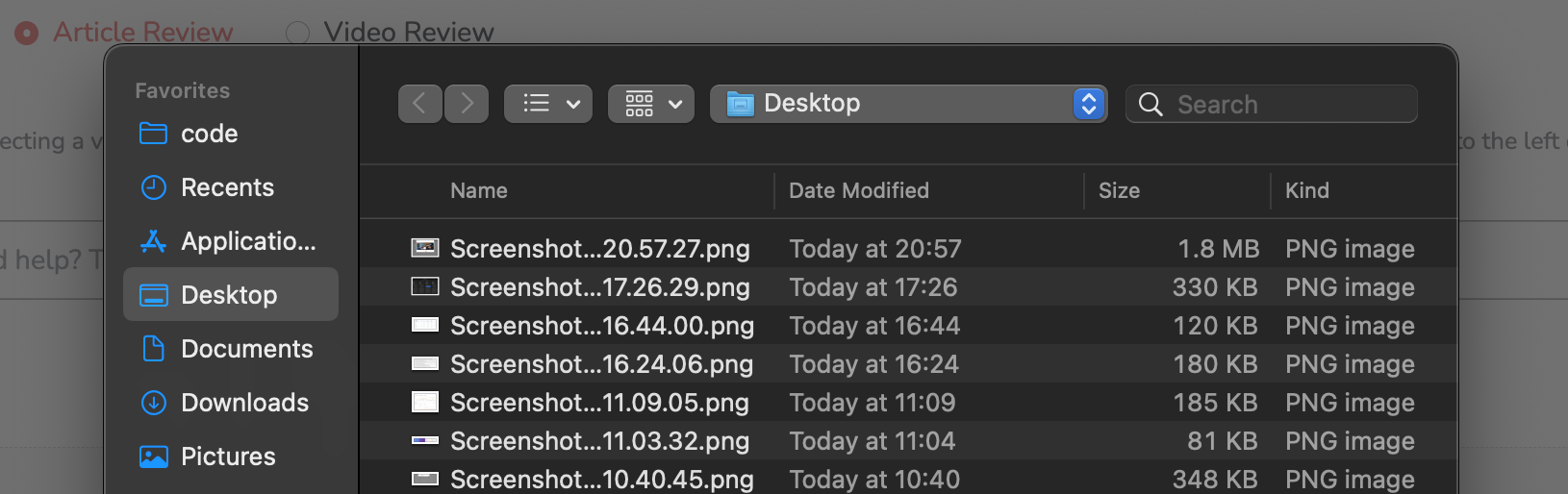
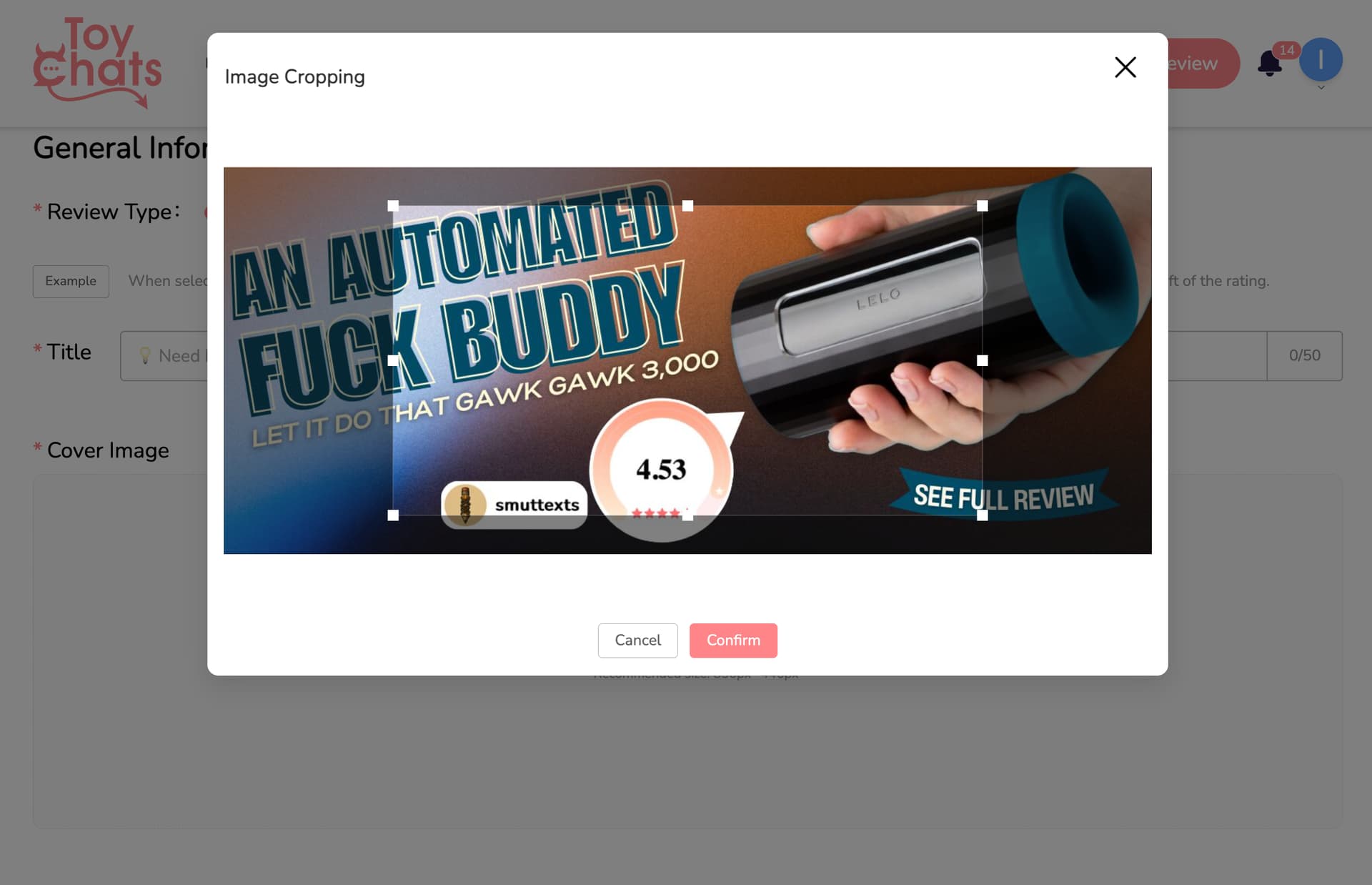
I am trying to write my next two reviews, and I am not able to upload a cover photo. This issue has not come up before and I have downloaded my pictures the same way I always have. I am able to select and upload photos from my files in the body of the review. The cover image option cannot even find any of my saved files. I was wondering if this was a technical issue that could be fixed or if I could receive help in order to be able to post the cover photos again.
I have fully restarted my computer. The files I have used both in the past and currently downloaded are a JPG and does not exceed the file size that I have used in the past for cover photos.
I just tested the issue you mentioned — I uploaded a JPG image file (like the one shown above), and I didn’t run into any problems. Could you double-check your image format? Sometimes a file looks like a JPG, but the actual extension isn’t.
It is a JPG file. I tried to reload the whole page again and it still did not work. When I hit upload, it still can’t find any of my files in my computer.
Welp, I got it to work. The only files that the upload could find was my screenshots. So I took a screenshot of the picture I wanted to upload and that worked. I would still like to be able to upload the file normally in the future. But I did find a work around this time.
Glad you finally got it working! But I still think the issue might’ve been with your image format. I tested multiple times with JPG, PNG, and GIF — no problems at all.
Sometimes the actual file extension gets hidden, so what looks like a JPG might actually be a format we don’t support yet!
I came here because I’m having the same issue. ToyChats cannot recognize any of my image files. They are normal JPG and PNG files. If I browse from ToyChats, they don’t show up in the file browser. If I try to drag and drop them into the cover image space, my browser opens the image instead of beginning the upload. This is on Chrome for Windows.
I was just able to upload the exact same file successfully using iOS.
Sorry for the inconvenience — our dev team is already looking into the file upload issue. It should be resolved in about 1–2 business days, so thanks for your patience.
We fixed it last night — could you test it on your side? The issue only happened on Windows systems, and it turned out to be a small bug in our upload check.